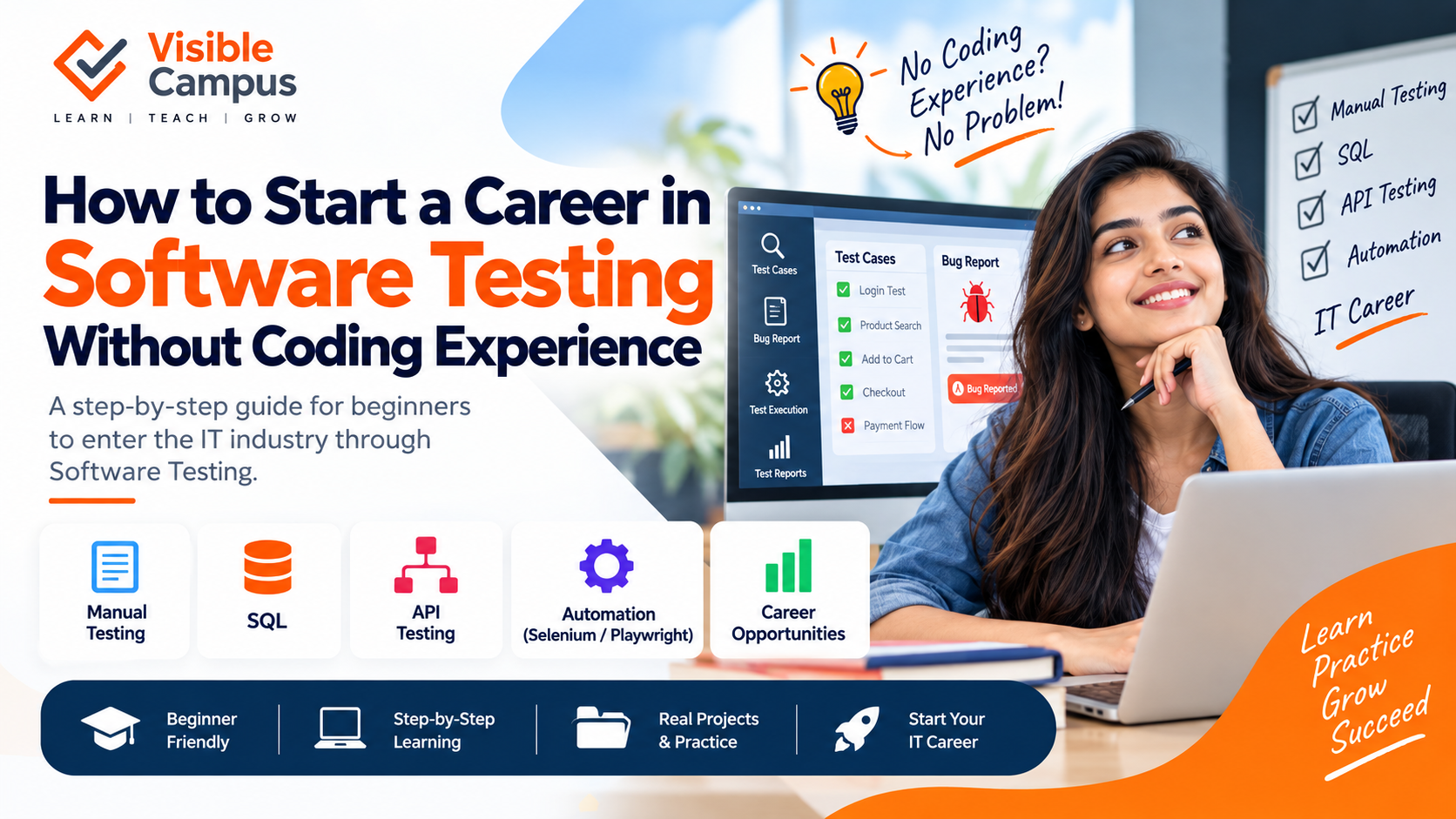
How to Start a Career in Software Testing Without Coding Experience
Starting a career in IT doesn't always mean becoming a software developer. Software testing is another career path where beginners can develop technical skills, understand how applications work, and gradually move into automation testing.
One of the most common questions beginners ask is:
Can I start a career in software testing if I don't know how to code?
Yes. You can start with manual testing fundamentals without advanced programming knowledge. As you progress, learning SQL, API testing, programming basics, and automation tools can help you build a stronger technical profile.
In this guide, we'll explain how to start a career in software testing without coding experience, what you should learn, which tools to explore, and how to prepare for your first testing role.
What Is Software Testing?
Software testing is the process of evaluating an application to identify defects and verify that it works according to its requirements.
For example, when testing an e-commerce website, a tester may check:
- User registration
- Login
- Product search
- Product filtering
- Shopping cart
- Checkout
- Payment workflows
- Error handling
- Browser compatibility
A software tester looks at an application from different perspectives and tries to identify problems before they affect users.
Can You Become a Software Tester Without Coding?
Yes.
You don't need to be an experienced programmer to begin learning software testing.
Many beginners start with manual testing, where the focus is on understanding requirements, creating test cases, executing tests, identifying defects, and reporting bugs.
As you progress, you can gradually learn:
Manual Testing → SQL → API Testing → Programming Basics → Automation Testing
You don't need to learn everything at once.
Manual Testing vs Automation Testing
Understanding the difference between manual and automation testing is important.
Manual Testing
Manual testing involves executing test cases manually without automation scripts.
For example:
- Open the login page.
- Enter a valid username.
- Enter a valid password.
- Click Login.
- Verify that the user reaches the dashboard.
Manual testing can include:
- Functional testing
- Regression testing
- Smoke testing
- Sanity testing
- Integration testing
- System testing
- User acceptance testing
Manual testing is often a good starting point for beginners.
Automation Testing
Automation testing uses software tools and scripts to execute tests automatically.
Instead of manually repeating the same login test, an automation script can perform the test multiple times.
Popular automation technologies include:
- Selenium
- Playwright
- Cypress
- Appium
Programming languages commonly used in automation include:
- Java
- Python
- JavaScript
- TypeScript
You don't need to learn all of them. Start with one programming language and one automation framework.
Step 1: Learn Software Testing Fundamentals
Before learning automation, understand the fundamentals of testing.
Start with:
- SDLC
- STLC
- Test scenarios
- Test cases
- Test data
- Expected results
- Actual results
- Defect lifecycle
- Severity
- Priority
- Regression testing
- Smoke testing
- Sanity testing
- Functional testing
- Integration testing
- System testing
These concepts form the foundation of a software testing career.
Step 2: Learn How to Write Test Cases
A tester needs to convert requirements into test scenarios and test cases.
For example, consider a login page.
Requirement
Users should be able to log in using a valid email address and password.
Possible Test Cases
Valid credentials
Expected result: The user should successfully log in.
Valid email + incorrect password
Expected result: An appropriate error message should be displayed.
Invalid email format
Expected result: The application should validate the email address.
Empty email and password
Expected result: Required-field validation should be displayed.
Learning to think about both normal and unexpected scenarios is an important testing skill.
Step 3: Learn Bug Reporting
Finding a bug is only part of a tester's job. You also need to communicate the problem clearly to developers.
A bug report generally includes:
- Bug title
- Description
- Steps to reproduce
- Expected result
- Actual result
- Severity
- Priority
- Environment
- Screenshots or videos
Example
Bug: Login button remains disabled after entering valid credentials.
Steps:
- Open the login page.
- Enter a valid email.
- Enter a valid password.
- Click outside the password field.
Expected: Login button should become enabled.
Actual: Login button remains disabled.
Clear bug reports help development teams reproduce and resolve issues efficiently.
Step 4: Learn SQL
You don't need advanced database knowledge to start.
However, SQL is a valuable skill for software testers.
Start with:
- SELECT
- WHERE
- ORDER BY
- GROUP BY
- JOIN
- INSERT
- UPDATE
- DELETE
- Aggregate functions
For example:
SELECT * FROM users WHERE email = 'test@example.com';
SQL allows testers to verify whether information has been correctly stored or updated in a database.
Step 5: Learn API Testing
Modern applications rely heavily on APIs.
An API allows different components of an application to communicate.
A common architecture looks like:
Frontend → API → Backend → Database
During API testing, you can verify:
- Status codes
- Request data
- Response data
- Authentication
- Required fields
- Error handling
- Invalid inputs
Tools such as Postman can be used to practice API testing without writing complex code.
Step 6: Learn Basic Programming
Once you understand manual testing, start learning basic programming.
You don't need to become a full-time software developer.
Focus on:
- Variables
- Data types
- Conditions
- Loops
- Functions
- Arrays
- Objects
- Exception handling
- Basic debugging
For automation, you can choose one language such as:
Java + Selenium
or
JavaScript/TypeScript + Playwright
or
Python + Selenium
The goal is to understand enough programming to create and maintain automation scripts.
Step 7: Learn an Automation Framework
Once you have basic programming knowledge, choose one automation framework.
Selenium
Selenium is widely used for browser automation and supports multiple programming languages.
Playwright
Playwright is a modern browser automation framework that supports Chromium, Firefox, and WebKit.
Cypress
Cypress is another popular framework for web application testing, particularly in JavaScript and TypeScript environments.
You don't need to learn every framework. Pick one and build practical projects.
Step 8: Build Testing Projects
Projects are extremely useful when preparing for a testing career.
Instead of only watching tutorials, practice testing real applications.
For example, you can create an e-commerce testing project covering:
- Registration
- Login
- Product search
- Product filtering
- Product details
- Shopping cart
- Checkout
- Payment workflow
- Order history
Create:
- Test scenarios
- Test cases
- Bug reports
- Regression test cases
- API tests
- Automation scripts
This gives you practical experience to discuss during interviews.
Step 9: Learn Testing Tools
You don't need to master every tool available.
Start with a practical toolkit:
AreaTools / Technologies
Test Management
Jira or similar tools
API Testing
Postman
Database Testing
MySQL / PostgreSQL
Automation
Selenium / Playwright
Programming
Java / Python / JavaScript
Version Control
Git / GitHub
CI/CD
Jenkins / GitHub Actions
The exact tools vary between companies, so focus on understanding the testing concepts behind them.
Step 10: Learn Agile and Scrum
Many software teams use Agile methodologies.
As a tester, you may participate in:
- Sprint planning
- Daily stand-ups
- Sprint reviews
- Retrospectives
- Backlog refinement
You should also understand terms such as:
- User story
- Acceptance criteria
- Sprint
- Epic
- Backlog
- Definition of Done
This helps you understand how testers collaborate with developers and product teams.
How to Build Your Testing Resume
Don't simply list tools on your resume.
Show what you actually worked on.
Instead of:
"Knowledge of Selenium"
write something like:
"Created automated test cases for login, registration, product search and checkout workflows using Selenium."
Instead of:
"Knowledge of API testing"
you can write:
"Created and executed REST API test cases covering positive, negative, authentication and response validation scenarios."
Projects make your skills easier for recruiters to understand.
Software Testing Career Roadmap for Beginners
A simple learning roadmap can look like:
Phase 1 — Testing Fundamentals
- SDLC
- STLC
- Test cases
- Bug reporting
- Functional testing
- Regression testing
Phase 2 — Technical Fundamentals
- SQL
- Database concepts
- REST APIs
- HTTP methods
- Status codes
- Postman
Phase 3 — Programming
- Variables
- Conditions
- Loops
- Functions
- Arrays
- Objects
Phase 4 — Automation
- Selenium or Playwright
- Locators
- Assertions
- Test frameworks
- Page Object Model
Phase 5 — Advanced Practice
- Automation projects
- API automation
- Git
- CI/CD basics
- Interview preparation
The time required depends on your existing knowledge and how consistently you practice.
Do You Need a Computer Science Degree?
A Computer Science or IT degree can provide useful technical fundamentals, but software testing is not limited to Computer Science graduates.
Graduates from different educational backgrounds can learn software testing if they develop the required technical skills.
Students from backgrounds such as:
- BCA
- B.Tech
- BE
- MCA
- B.Sc
- B.Com
- BBA
- Other degree programs
can explore software testing based on their interests and career goals.
Students without a technical background may simply need additional time to learn basic programming and computer concepts.
What Skills Should a Beginner Tester Develop?
Technical Skills
- Manual testing
- Test case design
- Bug reporting
- SQL
- API testing
- Programming fundamentals
- Automation testing
- Git
- Basic CI/CD
Professional Skills
- Analytical thinking
- Attention to detail
- Problem solving
- Communication
- Documentation
- Team collaboration
A good tester doesn't only check whether a feature works.
A tester also thinks about how the application could fail.
Can AI Help Software Testers?
AI is increasingly being used across software development and testing workflows.
Testers can use AI tools to assist with:
- Generating test scenarios
- Creating test data
- Suggesting edge cases
- Explaining error messages
- Generating initial automation code
- Analyzing test failures
- Creating documentation
However, testers still need to understand the application and verify AI-generated output.
AI can assist testing, but human judgment and product understanding remain important.
Career Path in Software Testing
A possible career progression can look like:
QA Trainee / Fresher
↓
Manual Tester / QA Engineer
↓
Automation Tester
↓
Senior QA Engineer
↓
SDET / Test Automation Engineer / QA Lead
The actual career path depends on the company, role, skills, and experience.
Common Mistakes Beginners Should Avoid
Trying to Learn Every Tool
You don't need Selenium, Playwright, Cypress, Appium and every other testing tool immediately.
Build your fundamentals first.
Avoiding Programming Completely
You can start testing without coding, but learning programming can significantly expand your automation opportunities.
Learning Only Theory
Testing requires practical thinking. Build projects and practice writing test cases.
Focusing Only on Certificates
Certificates can support your learning, but practical skills and projects are important when preparing for interviews.
Ignoring SQL
Database knowledge is useful for many testing roles.
Not Practicing Interviews
Be prepared to explain:
- Your projects
- Test scenarios
- Bugs you found
- Automation approach
- SQL queries
- API testing
- Testing methodologies
Final Thoughts
You don't need to be an experienced programmer to start learning software testing.
Begin with manual testing fundamentals, then gradually add:
SQL → API Testing → Programming → Automation → CI/CD
Practice consistently, build projects, learn how APIs and databases work, and gradually automate repetitive testing tasks.
If you're a fresher or looking to transition into IT, software testing is one career path worth exploring.
The goal isn't simply to complete a course.
The goal is to develop practical skills that you can demonstrate.
Start Your Software Testing Journey With Visible Campus
At Visible Campus, students can develop practical software testing skills through structured learning, hands-on assignments, projects, interview preparation, and exposure to modern testing technologies.
A structured learning path can include:
Manual Testing → SQL → API Testing → Programming → Playwright/Selenium → Automation Testing
Learn the fundamentals. Build projects. Practice testing. Prepare for your IT career.